

HR software onboarding support best practices
TL;DR:
- Effective HR onboarding combines thorough pre-migration data cleaning and manager training at least four weeks before go-live. Post-launch, structured hypercare support for two to six weeks ensures successful adoption and minimizes disruptions. Using role-based workflows, automated triggers, and personalized communication enhances employee integration and system trust.
HR software onboarding support best practices are the structured methods that HR teams and business owners use to prepare, launch, and sustain a new HR system while keeping new hires engaged and productive. Done well, they combine clear workflows, trained managers, and post-launch care to lift adoption rates and cut the time it takes a new employee to contribute. Done poorly, they produce broken data, confused staff, and a system nobody trusts. This article covers the practices that actually work, with specific techniques you can apply before, during, and after your software goes live.
1. What are the key practices for preparing HR software onboarding support?
Preparation is the single biggest predictor of a smooth rollout. Before you configure anything, document every step of your current onboarding process, from the offer letter to the first performance check-in. Industry leaders recommend mapping existing workflows first rather than adopting generic templates, because automation that does not match your real process creates more problems than it solves.
Once your workflows are mapped, build your configuration assets: offer letter templates, document checklists, induction schedules, and training plans. Having these ready before setup means your HR software can be configured to reflect how your business actually operates. Most onboarding rollouts for small to mid-sized businesses go live within 2–5 business days when templates and checklists are prepared in advance. That timeline collapses when teams arrive at implementation without their materials.
Data migration deserves its own project. Dirty data migration breaks workflows and drives up costs, so run a dedicated data-cleaning exercise before you move anything across. Remove duplicate records, standardise field formats, and verify employee details against payroll. This step is unglamorous but non-negotiable.
Pro Tip: Assign one person as the data owner for migration. That person signs off on every record before it enters the new system. Shared responsibility for data quality usually means no one takes responsibility.
2. Train managers well before go-live
Manager readiness determines whether your new system earns trust or breeds resentment. New hires are 3.4 times more likely to see onboarding as successful when their manager is actively involved. That involvement only happens when managers know the system well enough to use it confidently.

Training managers at least four weeks before go-live prevents the adoption problems and mistrust that surface when managers are learning the platform at the same time as their new hires. Four weeks gives them time to practise, ask questions, and build genuine confidence. Run scenario-based training sessions, not just feature walkthroughs. A manager who can complete a task checklist, approve a document, and send a welcome message inside the system is ready. One who has only watched a demo is not.
Pair manager training with a simple reference guide they can keep at their desk. Two pages covering the five tasks they will do most often in the first month is more useful than a 40-page manual.
3. How to design an effective onboarding support structure
The best onboarding support structure uses your HR software to create consistency without removing the human element. Effective automation builds reliable structure around personal interactions rather than replacing them with digital forms. Keep that principle front of mind when you configure your workflows.
A well-designed structure includes:
- Role-based onboarding journeys. Configure different task sequences for different roles. A warehouse team member and a finance analyst need different induction steps, documents, and system access.
- Automated task triggers and checklists. Set tasks to trigger automatically on the new hire’s start date or at set intervals. This removes the risk of steps being forgotten.
- Buddy assignment. Pair each new hire with a buddy from their team. Record the assignment in your HR system so it is visible and tracked.
- Automated reminders. Schedule reminders for managers and new hires at day 3, day 7, and day 30. Consistent touchpoints reduce early attrition.
- Communication templates. Pre-build welcome emails, induction day instructions, and first-week check-in messages inside your platform.
Hybrid onboarding achieves a 75% satisfaction rate compared to 71% for fully remote setups. That 4% gap reflects the value of combining digital efficiency with in-person connection. Build your structure to support both.
Pro Tip: Do not automate your welcome message. A personalised note from the hiring manager, sent through the system but written specifically for that person, lands far better than a template with a name field swapped in.
4. What does a successful go-live and post-launch support plan look like?
Go-live is not the finish line. It is the start of the most critical support window. Plan your launch communication in advance: send a company-wide announcement at least one week before go-live, name the support contacts, and publish a simple FAQ for common questions.
Post-launch, implement a hypercare support model. Structured hypercare includes daily or weekly check-ins and planned remediation sessions during the first weeks of use. Run this for 2–6 weeks after launch, depending on your business size and the complexity of your configuration.
“The businesses that get the most from their HR software in year one are the ones that treat the first six weeks after go-live as a dedicated support project, not a wind-down phase. Daily check-ins, a named support contact, and a clear escalation path make the difference between adoption and abandonment.”
Use adoption metrics to guide your support effort. Track login rates, task completion rates, and document submission rates inside your platform’s reporting module. Low completion in a specific workflow signals a training gap, not a system failure. Schedule remediation sessions around your payroll cycle so fixes do not disrupt pay runs.
5. Which onboarding software features best support ongoing employee integration?
The right onboarding software features determine how much administrative work your HR team carries after launch. The table below maps key features to their practical impact.
| Feature | What it does | Impact on HR teams |
|---|---|---|
| Automated document collection | Sends, collects, and stores required documents digitally | Removes manual chasing and filing |
| E-signatures | Allows contracts and policies to be signed online | Cuts days off the pre-start process |
| AI chatbots | Answers common HR and IT questions 24/7 | Reduces repetitive queries to HR staff |
| Role-based permissioning | Controls who sees which data and tasks | Supports compliance and data security |
| LMS integration | Connects onboarding to ongoing learning modules | Extends development beyond week one |
| Compliance tracking | Monitors licence expiry, training completion, and policy sign-off | Keeps the business audit-ready |
Automated document collection and AI chatbots save HR teams hours each week and give new hires instant answers to common questions. That combination reduces the volume of emails and calls that land on HR desks during the busiest onboarding period. Workit includes all of these features in a single platform, with learning management built in so development does not stop after the induction week ends.
Role-based permissioning is the feature most teams underestimate. Getting it right at setup means your new hire sees exactly what they need and nothing they should not. Getting it wrong creates compliance risk and erodes trust in the system.
Key takeaways
The most effective HR software onboarding support combines pre-migration data cleaning, manager training at least four weeks before go-live, and structured hypercare for 2–6 weeks after launch.
| Point | Details |
|---|---|
| Clean data before migration | Dirty data breaks workflows; run a dedicated cleaning project before moving any records. |
| Train managers four weeks early | Early training builds confidence and lifts new hire satisfaction by up to 3.4 times. |
| Use hybrid onboarding methods | Blending digital and in-person support achieves higher satisfaction than fully remote setups. |
| Apply hypercare post-launch | Daily or weekly check-ins for 2–6 weeks after go-live prevent adoption from stalling. |
| Match features to real workflows | Configure role-based journeys and automated triggers around your actual processes, not generic templates. |
What I have learned about onboarding software after years of watching rollouts succeed and fail
The most common mistake I see is treating the software as the solution. The software is the structure. The solution is still people.
Teams that invest heavily in configuration but skip manager training consistently underperform teams that do the opposite. A well-trained manager using a basic system will outperform an untrained manager using a sophisticated one every time. The technology only works when the people using it understand why each step matters.
The second pattern I keep seeing is the dirty data problem. Businesses rush to go live and migrate whatever is in their old spreadsheets without cleaning it first. Six weeks later, they are dealing with broken workflows, duplicate records, and payroll queries that trace back to bad data. The fix always costs more time than the cleaning would have.
My honest advice: collect feedback from new hires at day 30 and day 90, not just at the end of week one. The week-one survey captures first impressions. The 90-day survey tells you whether the onboarding actually prepared them for the job. Use both to iterate. No onboarding process is right the first time, and the businesses that improve fastest are the ones that treat feedback as a standing agenda item, not a one-off project.
— Stephen
Workit makes onboarding support practical for Australian businesses
Workit is built for Australian businesses that want one platform covering hiring, onboarding, compliance, and reporting without hidden fees. At $5 per employee per month, every module is included, so your employee onboarding software connects directly to your compliance tracking, document management, and LMS without extra cost or integration headaches.
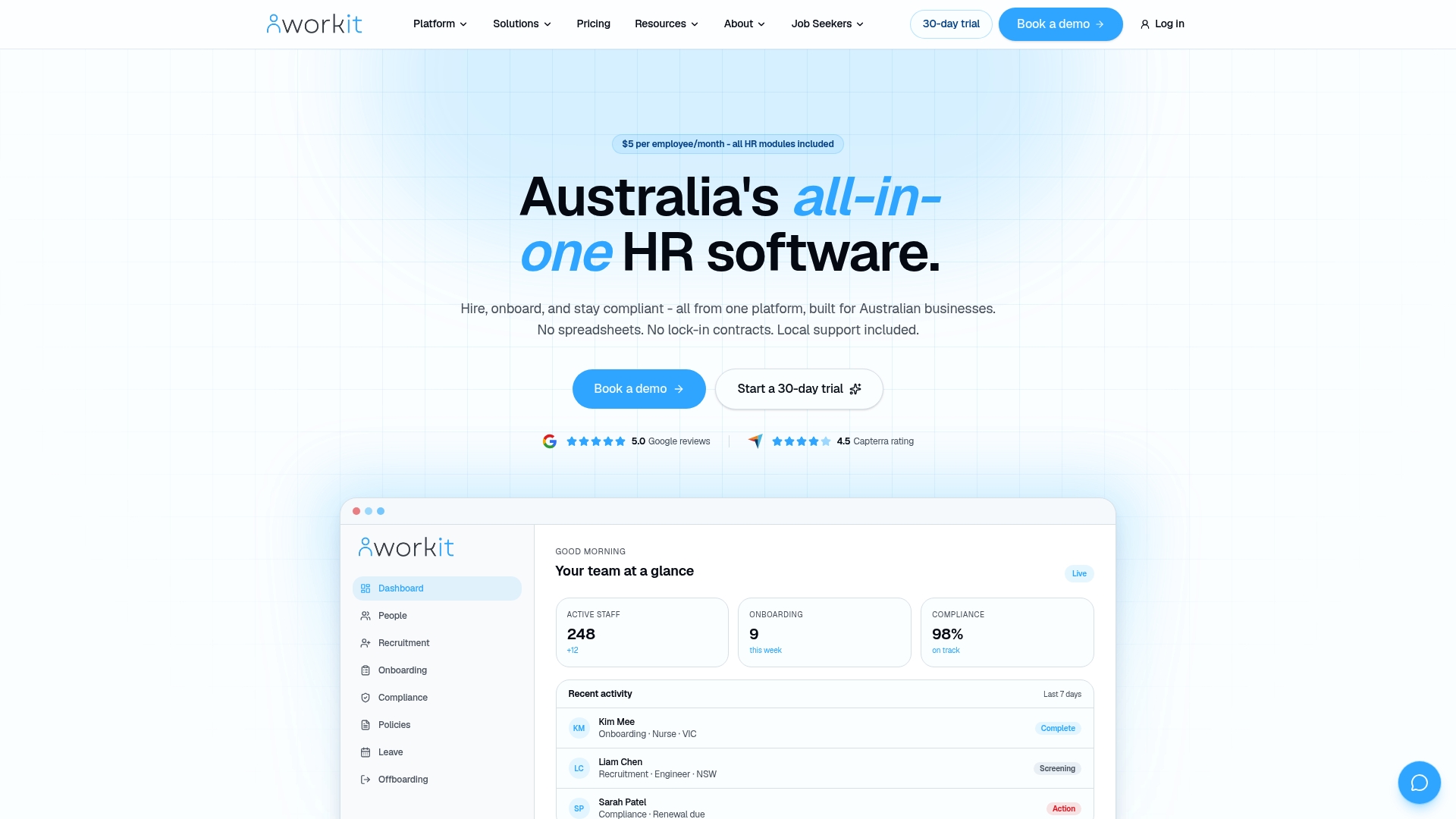
Workit’s local support team knows the Australian market and responds quickly when you need help during implementation or after go-live. Whether you are setting up role-based onboarding journeys, configuring automated task triggers, or running your first payroll cycle on the new system, you have a real person to call. Book a demo or start a 30-day trial at workit.com.au/demo-landing-page and see how fast a well-supported rollout can move.
FAQ
What are HR software onboarding support best practices?
HR software onboarding support best practices are the structured steps that prepare your system, data, managers, and new hires for a successful rollout. They include pre-migration data cleaning, manager training at least four weeks before go-live, role-based workflow configuration, and hypercare support for 2–6 weeks after launch.
How long does HR software onboarding implementation take?
Most small to mid-sized businesses go live within 2–5 business days when offer letter templates, document checklists, and training plans are prepared in advance. Businesses that arrive at implementation without these assets typically take significantly longer.
Why does manager involvement matter in HR software onboarding?
New hires are 3.4 times more likely to rate onboarding as successful when their manager is actively involved. Managers who are trained on the system at least four weeks before go-live are far more likely to use it confidently and support their new hires effectively.
What is localised HR onboarding?
Localised HR onboarding refers to onboarding processes and software support that are tailored to the specific legal, compliance, and cultural requirements of a particular country or region. For Australian businesses, this means configuring workflows around Fair Work obligations, Australian tax requirements, and local employment standards.
What is hypercare support in an HR software rollout?
Hypercare support is a structured period of intensive assistance immediately after go-live, typically lasting 2–6 weeks. It includes daily or weekly check-ins, a named support contact, and planned remediation sessions aligned with payroll cycles to catch and fix issues before they affect staff.