

Top 6 alltechpayroll.com.au Alternatives 2026
Finding reliable HR management software with local support and transparent pricing is harder than it should be for Australian businesses. Many international solutions lack dedicated Australian support or hide their full pricing behind sales calls and complicated proposal processes. This comparison covers modules, support, and cost across six alltechpayroll.com.au alternatives so you can choose the right fit for your compliance, rostering, and payroll needs.
Table of Contents
Workit
At a Glance
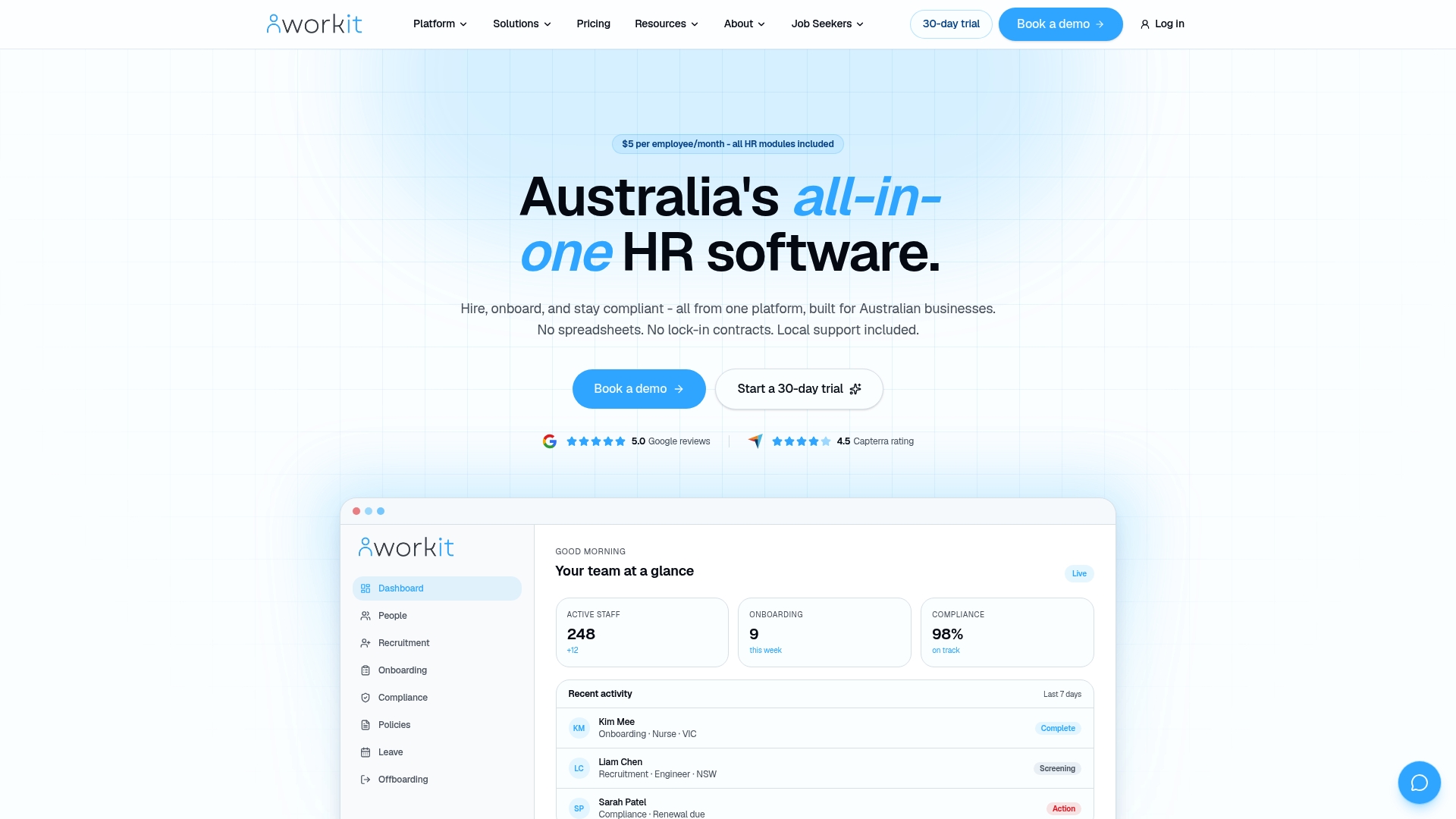
A fixed $5 per employee per month covers every HR module with a minimum billing of 10 employees. According to the company, you can go live in weeks using built-in migration tools and migration support. Workit is built in Australia and includes a local support team that works standard support hours.
Core Features
Workit bundles recruitment, onboarding, HR core, compliance, performance management, policy management, leave, incident reporting, and offboarding into one platform. The system uses configurable workflows, forms, and approval paths built with no code builders so changes do not need custom development. An employee self service portal and data migration tools reduce manual spreadsheets and repeated data entry.
Key Differentiator
Built specifically for Australian businesses with transparent pricing, local support, and full modules in one platform. The product links to local systems such as the Fair Work award system and common Australian recruitment channels to help with compliance and hiring. That single platform approach reduces the number of separate systems you manage and replaces spreadsheet based record keeping.
Pros
The predictable $5 per employee per month price includes every module, which makes budgeting simple and removes hidden fees. Australian support staff and local support hours mean questions are answered by people familiar with local employment law and payroll practices. Configurable, not custom, builders let you change forms, workflows, and permissions without a developer, and built in migration tools speed the move from spreadsheets. That deployment claim was made by the vendor.
Cons
- Background screening and rostering are upcoming features and are not yet available.
Notable Integrations
- Fair Work award system
- Xero payroll
- SEEK, Jora, Adzuna for recruitment channels
Who It’s For
Small to medium Australian businesses that want a single HR system with clear monthly costs and local support. HR teams replacing spreadsheets or multiple point solutions will find the included modules helpful. Organisations focused on Australian compliance and payroll compatibility will get the most value.
Unique Value Proposition
$5 per employee per month with all modules included makes monthly HR costs predictable and removes surprise licence fees. That price point lets you consolidate hiring, onboarding, compliance, and people records on one platform and plan payroll and HR budgets more accurately. Local support reduces the time you spend chasing compliance answers and custom integrations.
Real World Use Case
A mid sized hospitality group uses Workit to recruit and onboard staff across several venues, track training and compliance records, manage leave, and run performance reviews. The system reduced paper forms and cut duplicated data entry between HR and payroll. Managers across locations can access consistent records and approval flows.
Pricing
Workit charges $5 per employee per month, billed monthly. There is no lock in contract and the minimum billing is 10 employees, which makes the monthly minimum $50. Pricing includes all modules and updates.
Website: https://workit.com.au
microkeeper
At a Glance
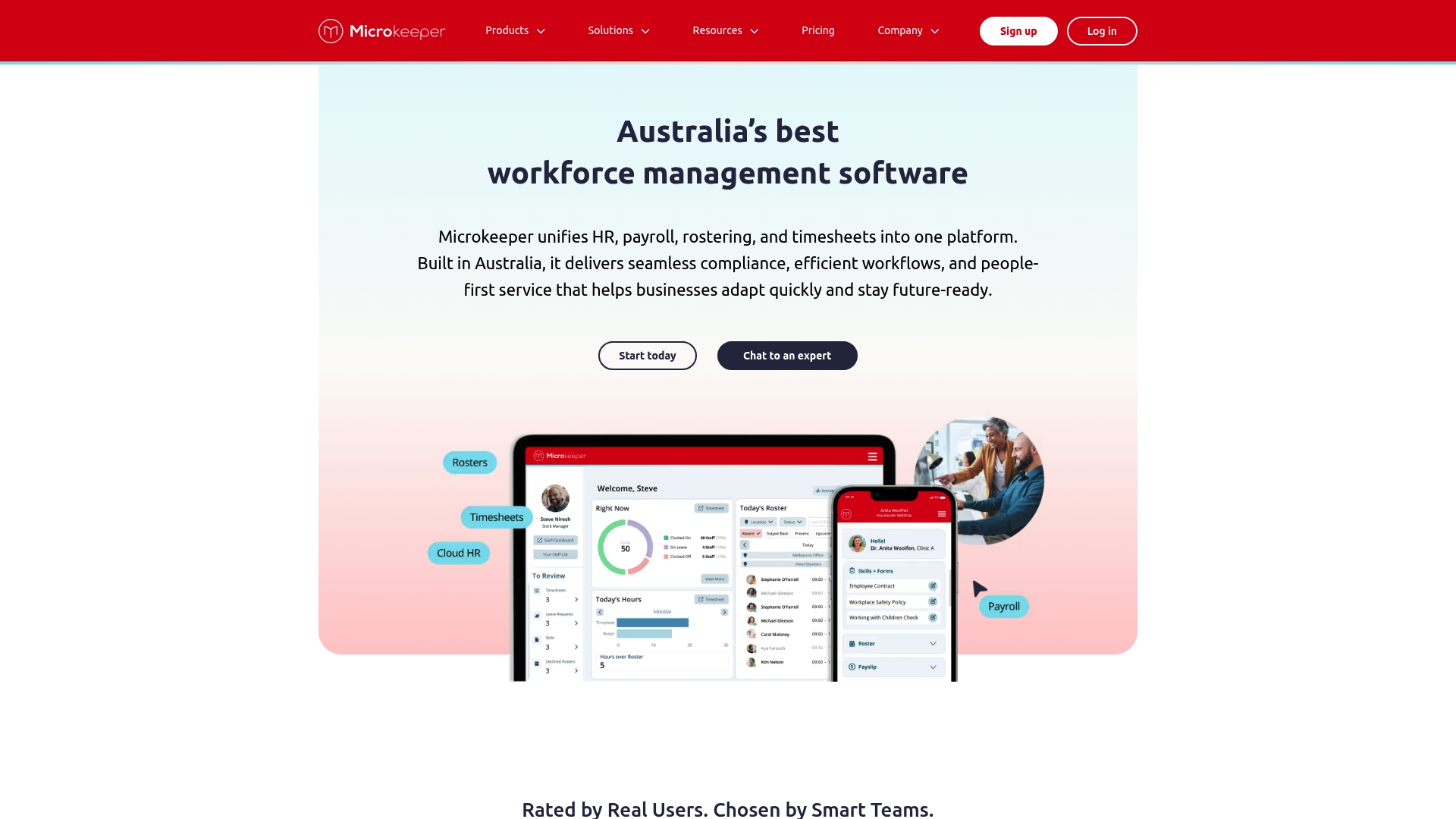
Integrates rostering, timesheets, payroll, and onboarding into a single Australian-built workforce system. The platform adds document tracking and an employee self service portal for shift acceptance and personal updates. Local compliance and payroll processing, including STP and superannuation, are central to its design.
Core Features
Microkeeper combines HR management and online onboarding with employee rostering and shift planning so managers can schedule from one interface. It includes automated payroll processing with STP and superannuation and ties timesheet management to location tracking and biometric hardware. Reporting and custom exports support payroll reconciliation and rostering decisions.
Key Differentiator
The product’s main angle is that it is built locally in Australia and brings rostering, payroll, timesheets, and HR into one system. That focus reduces the need to export data between separate tools and keeps compliance rules close to local payroll workflows. Its local support is pitched as a practical advantage for businesses needing quick, market-specific help.
Pros
The vendor reports it is rated highly on review sites for ease of use and features. That claim appears alongside practical strengths: a single platform for scheduling, time capture, payroll, and onboarding which cuts manual handoffs. Integrations with Xero and Beam help with accounting and superannuation flows, and the self service portal delegates routine admin to staff, saving manager time.
Cons
- Pricing is not fully transparent on the site, so exact per-employee costs require a sales conversation. This may slow evaluation for budget-conscious teams.
- The website lists many features but offers limited public detail on product limits and performance under heavy rostering loads. Third-party reviews are more explicit than vendor pages.
- The site contains some broken links and error pages, which complicates research and may indicate site maintenance issues rather than product faults.
When It May Not Fit
If you need fully public pricing before shortlist stages, this product may be a poor match because the vendor does not publish detailed tiered rates. If your operation uses niche third-party tools not listed among integrations, you may face integration work. Large enterprises needing an upfront technical SLA and performance benchmarks may prefer alternatives that publish those details.
Notable Integrations
- Xero
- Beam superannuation clearing
- One Click Life for employee tax returns
- Manatal recruitment software
Who It’s For
Australian small to medium businesses that want a single system for rostering, payroll, and HR administration will find this suited to their needs. Sectors such as retail, hospitality, healthcare, and manufacturing will benefit from the scheduling and time capture features. Teams that prefer local support and Australian compliance will value the vendor’s market focus.
Real World Use Case
A retail chain uses Microkeeper to manage multiple store rosters, capture clock ins via biometric terminals, and feed approved timesheets directly into payroll. Managers reduce payroll errors by matching shifts to recorded hours before pay runs. The company uses Xero integration to reconcile wages with accounts.
Pricing
Pricing is not explicitly stated on the website. The vendor indicates tiered plans from basic payroll to enterprise solutions and asks prospective customers to consult the pricing page or contact sales for exact figures. Expect per-employee and feature-tier pricing to vary by plan.
Website: https://microkeeper.com.au
Happy HR
At a Glance
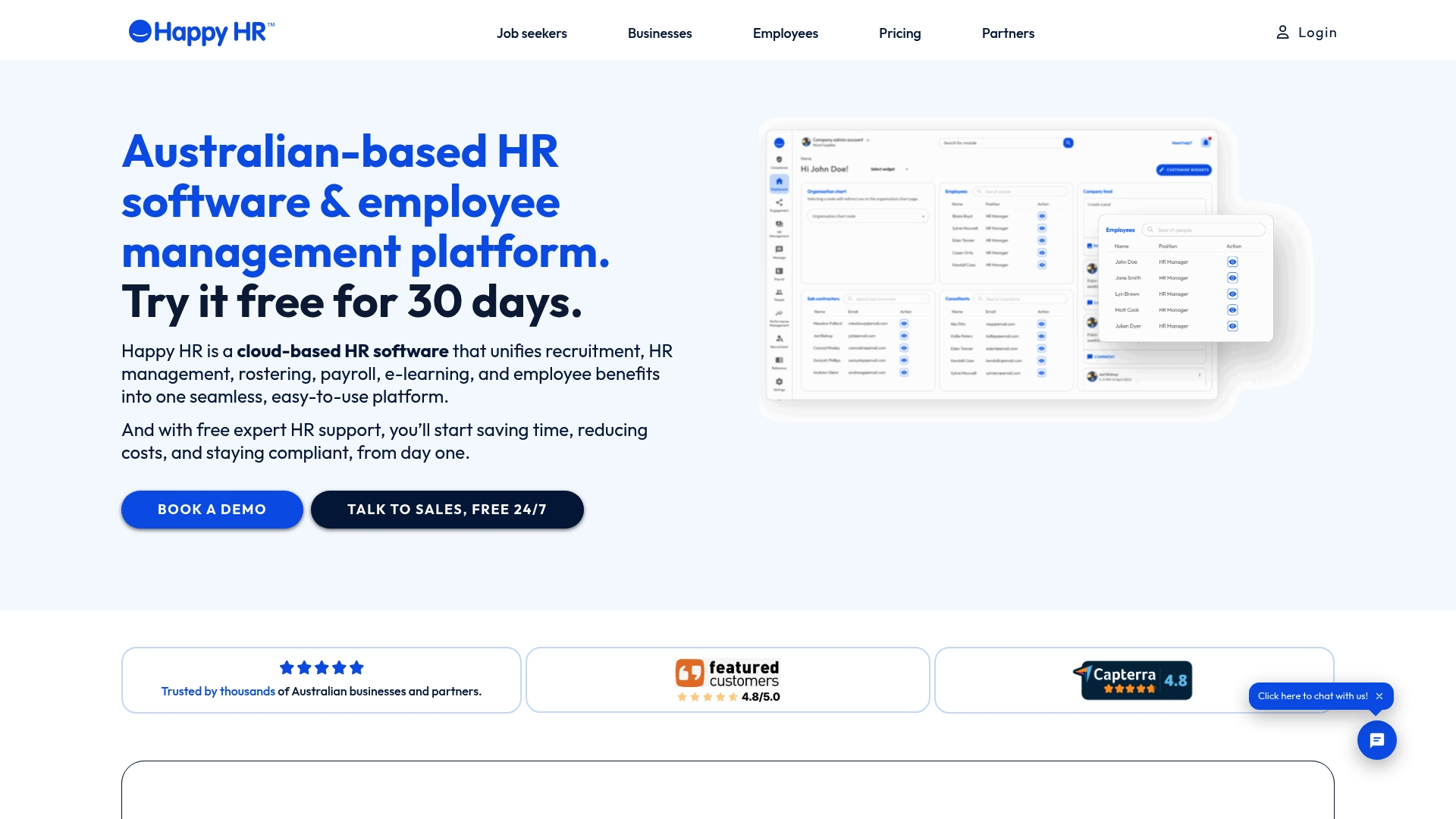
Pricing starts from $8.00 +GST per user per month, billed monthly, and the platform includes free expert HR support alongside its HR tools. The product targets Australian employers and bundles recruitment, rostering, payroll, e-learning, and benefits in one system. That packaging aims to reduce admin work and centralise compliance for small and mid sized firms.
Core Features
Happy HR offers recruitment and candidate tracking together with onboarding and offboarding automation, a staff self service portal, and a performance management module. It also covers rostering, payroll connections, e-learning, and employee benefits, with policy and contract compliance tracking that includes legal review. The platform is cloud based and accessible from any device for managers and employees.
Key Differentiator
The one clear angle is local focus. Happy HR positions itself as an all in one HR solution built for Australian employment law with integrated compliance and legal review by employment lawyers for contracts and policies. That local legal angle separates it from global HR platforms that do not include that level of document review.
Pros
The product groups recruitment, payroll, rostering, learning, and benefits in a single platform, which reduces the need to switch tools during daily HR tasks. The vendor advertises that automation reduces HR admin time by up to 90%. That claim, if realised, would free managers to focus on people rather than paperwork. Free expert HR support and a price point from $8 per user make the platform attractive to resource conscious teams. Strong accounting and scheduling integrations support existing payroll and finance workflows.
Cons
-
Customer support responsiveness can vary according to third party reviews. This means response times may not match your busiest payroll deadlines.
-
Advanced customisation and some advanced features can require training. Smaller teams may need extra setup time or a consultant.
-
The exact scope of the free support and any additional costs for premium services is not fully detailed. You may need to confirm boundaries before committing.
When It May Not Fit
Happy HR is primarily designed for Australian businesses and may not suit organisations with large international operations. Teams that need heavily customised AI driven workflows or specialised global payroll modules may find the feature set limited. If your business relies on non Australian compliance rules the platform will not match local requirements.
Notable Integrations
- Xero
- QuickBooks
- MYOB
- Reckon
- Deputy
- Tanda
- Sage Intacct
- Shiftcare
Who It’s For
Australian small to medium sized businesses that want a single HR system for hiring, onboarding, rostering, payroll connections, and compliance. It suits operators in retail, hospitality, healthcare, and construction that value local legal review and free HR support. Choose it if you prefer fewer vendor relationships and a locally focused service.
Real World Use Case
A midsize Australian retail chain consolidated recruitment, payroll, and engagement onto Happy HR. Managers replaced spreadsheets with the platform and cut the number of manual handoffs between recruiting and payroll. The team reported quicker onboarding and clearer compliance records after consolidation.
Pricing
From $8.00 +GST per user per month, billed monthly. The vendor lists multiple plans online for different needs and team sizes.
Website: https://happyhr.com
Employment Hero
At a Glance
The vendor advertises plans start from around US$10 per user per month. Employment Hero operates across Australia, New Zealand, the UK, Singapore, and Malaysia. The service combines hiring, onboarding, payroll, benefits, and a mobile work app under one employment operating model.
Core Features
Employment Hero delivers end to end employment management with AI driven hiring, onboarding, payroll, and HR workflows that reduce repetitive admin. It includes employee engagement and benefits management plus a mobile app for pay, work, and perks. For international hires the product offers local and global employment services, including the branded HeroForce option.
Key Differentiator
The standout is the AI powered employment operating system that ties hiring, payroll, HR, and benefits together and adds jurisdictional compliance. That approach aims to keep legal rules and award interpretation inside the same system you use for pay and onboarding. The global capability makes cross border hiring less manual for expanding organisations.
Pros
Employment Hero reports a 4.5-star average on review platforms. That rating reflects positive user feedback on the product breadth and customer experience. The single system reduces the number of separate HR tools you run and cuts repetitive data entry through AI driven automation. Its multi country support helps employers move into nearby markets without rebuilding payroll or compliance rules.
Cons
- Complexity may overwhelm very small businesses that only need simple payroll or basic HR.
- Pricing is not fully public, so you must request a tailored quote to see total costs.
- The broad feature set can feel heavy if you only want minimal HR functions.
- Third party integration availability varies by module, which may limit connections with some systems.
When It May Not Fit
Organisations with only a handful of staff and simple pay needs will likely find the feature set excessive. Teams that want fixed public pricing for fast procurement may prefer a product with published tiers. If you require many bespoke integrations, the module dependent connector model may slow implementation.
Who It’s For
Small to medium sized enterprises that plan to grow across markets and want one platform for hires, payroll, and engagement. HR teams that expect to use automation to replace manual data work will find the product relevant. Employers needing local compliance support for Australia and neighbouring countries will get direct benefit.
Real World Use Case
A retail chain uses Employment Hero to manage payroll and HR across several Australian stores while supporting remote staff in New Zealand and the UK. The chain runs onboarding, award interpretation, and employee benefits from the same system. That single source of employee records reduces reconciliation and speeds new hire setup.
Pricing
Plans start from around US$10 per user per month, with additional features and enterprise packages available on request. Final cost depends on chosen modules and the countries you cover.
Website: https://employmenthero.com
KeyPay
At a Glance
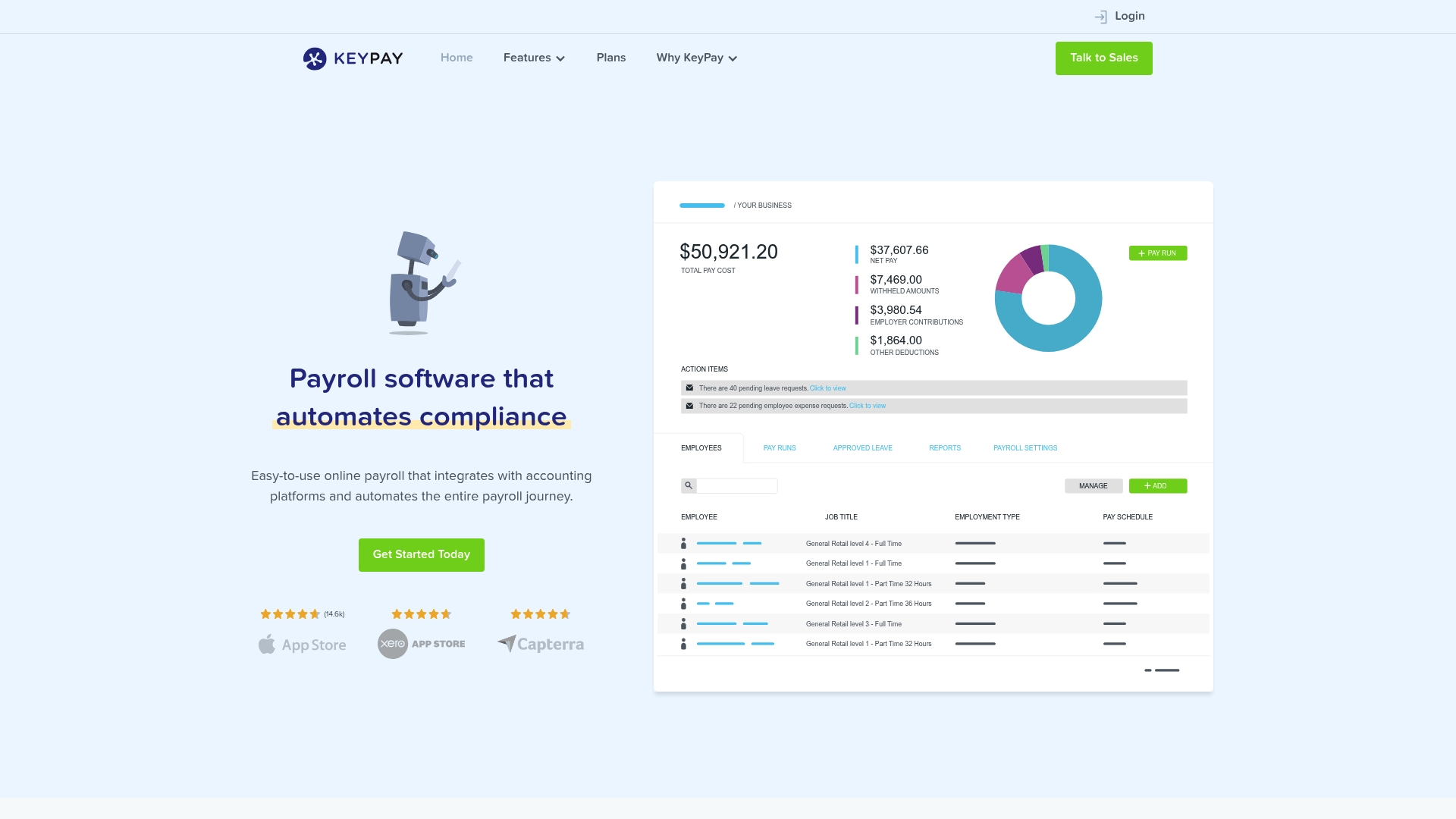
KeyPay recently rebranded as Employment Hero and supports payroll across Australia, the UK, New Zealand, Singapore, and Malaysia. The platform centralises rostering, timesheets, leave, and payroll into one workflow. It targets accountants, payroll providers, HR teams, and businesses that need automated award interpretation and compliance.
Core Features
KeyPay automates payroll processing and handles Single Touch Payroll reporting while keeping employee self-service and mobile apps available. The system manages time and attendance with Clock Me In and the WorkZone app, and offers rostering with shift swapping and bidding. It also includes a pay conditions engine, leave and expense management, integrations with accounting systems, and reporting tools.
Key Differentiator
The standout feature is automated award interpretation with ongoing legislative updates that map pay rules to roster and timesheet data. That capability reduces manual award calculations for Australian awards. Firms that manage complex award conditions gain clearer pay outcomes from configured rules.
Pros
KeyPay groups rostering, time capture, payroll, and leave into a single payroll workflow that cuts manual steps. The platform offers mobile self-service which helps employees add timesheets and request leave without paper. Integrations with accounting systems and third-party time apps make it practical for accountants running payroll for multiple clients.
Cons
-
Pricing varies by plan and may be costly for very small businesses. Setup and monthly fees can add up.
-
Custom pay rules and integrations require detailed configuration. That increases implementation time.
-
Reporting can be limited for highly customised report needs. Some users request deeper report building.
-
There is a learning curve to use advanced rostering and pay condition features fully.
When It May Not Fit
Very small businesses that only need simple pay runs may find the platform to feature rich. Organisations seeking an out of the box, minimal setup payroll might prefer a lighter tool. Businesses without internal payroll or IT support should budget for setup and training.
Notable Integrations
KeyPay connects to Xero accounting, third-party time and attendance apps, and broader accounting ERP systems. These integrations help pass timesheet and payroll data across finance systems. The vendor documents specific connectors and setup paths.
Who It’s For
Payroll managers, accountants, and HR managers who process award‑based pay or multiple client payrolls will benefit. Small to medium business owners with varied rostering needs also suit the product. Larger employers using advanced pay rules will find the configuration options useful.
Real World Use Case
An accounting firm runs payroll for multiple hospitality clients and uses KeyPay to apply award conditions automatically. The firm imports rostered shifts, lets staff confirm hours via mobile, and exports payroll journals to the practice Xero file. That reduces manual award checks and speeds monthly run completion.
Pricing
Pricing starts from $4 per active employee per month for standard plans. Higher tiers add the pay conditions engine, rostering, and custom branding at additional cost. Exact pricing depends on plan selection and optional modules.
Website: https://keypay.com.au
Roubler
At a Glance
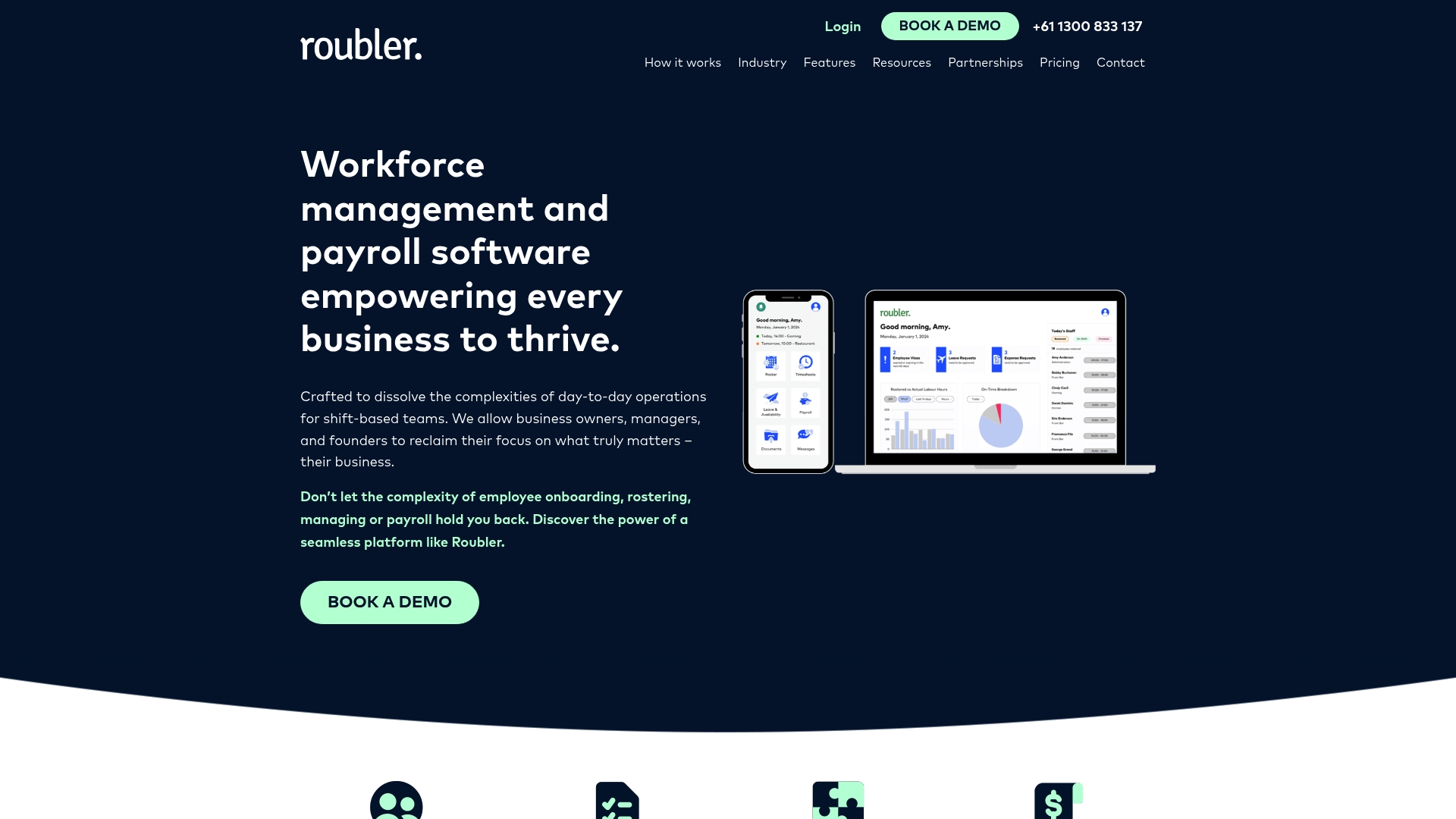
One click roster creation uses AI powered rostering to match availability, skills, and awards, so managers do fewer manual moves. Mobile apps and managed payroll services extend the platform to staff and outsourced payroll teams.
Core Features
Roubler unites onboarding, rostering, time and attendance, leave management, payroll, and compliance in a single platform. The mobile app supports clocking and employee self service while analytics report on labour costs and attendance. Managed payroll services and round the clock support are available alongside automated award calculations.
Key Differentiator
Roubler combines the employee lifecycle with AI powered rostering and built in compliance, so roster changes feed directly into payroll calculations. That design reduces reconciliation work between scheduling and pay. The platform targets shift first operations rather than office first headcount tools.
Pros
Roubler removes the need for multiple separate systems by offering an all in one workforce management stack. Automation features reduce manual errors and speed up roster to payroll flows, which lowers administrative load. Real time analytics make it easier to spot overspend and attendance gaps. Dedicated support and customer success managers sit behind the platform to help with rollouts and ongoing queries. Mobile apps for employees and managers let supervisors approve swaps and staff check balances away from the back office.
Cons
-
Limited flexibility for very complex payroll rules. Some large employers report the system cannot cover bespoke award or company rules.
-
Learning curve across modules. Administrators will need time to master rostering, time capture, and payroll together.
-
Pricing not publicly listed. You must contact sales to get costs and licensing details.
When It May Not Fit
If your business requires highly customised payroll rules, Roubler may not be the right choice. Small businesses with simple casual rosters may find the feature set heavier than needed. Organisations needing transparent list pricing for budgeting will need to ask for a formal quote before committing.
Who It’s For
Roubler suits mid sized to large shift based businesses in retail, hospitality, and manufacturing. HR and operations managers who run complex rosters and need payroll to follow those rosters will see the most value. Teams looking for a single vendor for scheduling, time capture, and payroll will find the platform relevant.
Real World Use Case
Roubler’s marketing materials say Johnny Rockets used the platform to automate onboarding, scheduling, and payroll and that the change saved managers hours each day. The example shows how connecting roster rules to automated payroll cuts reconciliation time. Managers reported faster approvals and clearer leave balances after rollout.
Pricing
Pricing is not specified on Roubler’s site. You need to request a tailored quote that reflects your headcount, shift complexity, and managed payroll options. The vendor will supply pricing after a discovery conversation.
Website: https://roubler.com
Comparison of alternatives
Each HR platform offers distinct advantages, impacting decision-making for Australian businesses seeking improved HR workflows and compliance controls.
Pricing Transparency Among Choices
Workit.com.au sets itself apart with its predictable pricing structure of $5 per employee per month. This eliminates budget uncertainties for Australian businesses. By comparison, competitors such as Microkeeper and Roubler require direct consultation to obtain pricing details, complicating initial evaluations for cost-conscious teams. Happy HR approaches transparency better, displaying a starting price of $8 per user per month, still higher than Workit’s tier.
Features Facing Regional and Global Needs
When targeting Australian employers prioritising payroll integrations and Fair Work compliance, Workit.com.au covers essential functions such as leave and incident reporting through its single integrated platform. On the other hand, Employment Hero excels in multi-national operations through AI and cross-country compliance workflows, beneficial for growing organisations with operations extending outside Australia. Roubler demonstrates strengths in shift planning and employee lifecycle automation for industries such as hospitality.
Best fit
- For HR teams needing predictable Australian pricing and local compliance workflows, Workit.com.au simplifies budget control while linking essential HR modules.
- Retail companies requiring advanced rostering, time management, and payroll exports will find Microkeeper compelling.
- Managers valuing prebuilt compliance workflows combined with legal review support may prefer Happy HR solutions.
- Businesses intending to expand internationally and adopt advanced AI-driven hiring workflows should consider Employment Hero.
- Shift-focused environments relying on integrated rostering and payroll automation will benefit from platforms like Roubler.
Our pick
For Australia-focused HR teams valuing transparent costs and local compliance integrations, Workit.com.au remains a standout option. Its single-platform design addressing recruitment, onboarding, compliance management, and incidents complements its affordability. Businesses requiring complex international operations or niche payroll configurations should explore Employment Hero or KeyPay for extended capabilities.
Here is a comparison to assist in evaluating options based on features and requirements.
| Product | Primary Features | Key Differentiator | Best For | Pricing | Notable Limitation |
|---|---|---|---|---|---|
| Workit | Comprehensive HR modules, migration tools | Tailored for Australian compliance and support | Australian SME needing unified HR solutions | $5 per employee/month | Upcoming features: background screening, rostering |
| microkeeper | Rostering, payroll, document tracking | Local focus on integration of payroll and rostering | SMEs in retail/hospitality needing efficient scheduling | Price not published | Lack of detailed public pricing |
| Happy HR | HR tools bundled with legal HR support | Includes employment legal compliance support | SMEs in AU needing bundled legal compliance support | From $8 +GST per user | Varying customer support responsiveness |
| Employment Hero | AI-driven hiring, payroll, and HR | AI-powered employment management for jurisdictions | SMEs growing across markets needing global HR support | From US$10/user/month | Complexity may overwhelm small businesses |
| KeyPay | Payroll, leave management, rostering | Automated award interpretation | Payroll for accountants and HR teams | From $4/employee/month | Settings setup required for custom pay rules |
| Roubler | Onboarding, rostering, payroll integration | AI-driven rostering and payroll compliance | Shift-first industries in retail and manufacturing | Price not published | More suitable for mid-sized to large businesses |
Choosing the right alltechpayroll.com.au alternative for your Australian business
Many Australian smalls to medium businesses face challenges juggling multiple HR systems or manual spreadsheets. You need an all-in-one HR platform that covers hiring, onboarding, compliance, and reporting without hidden fees or complexity.
Workit offers streamlined HR management at a clear $5 per employee per month. Built locally with full modules and real-time compliance, it removes manual data entry and simplifies workflows. Plus, local support teams familiar with Australian laws are ready to assist.
- One platform for recruitment, onboarding, payroll compatibility, and compliance
- Transparent pricing with all features included
- Fast setup with migration tools reducing admin load
See how Workit can replace fragmented systems and give you clear HR control by visiting Workit. Book a demo and import your employee data quickly to see your HR functions consolidated in one platform.
FAQ
What is the pricing model for Workit?
Workit charges a fixed rate of $5 per employee per month, which simplifies budgeting and removes hidden fees. The competitive pricing includes every HR module, making it an attractive option for Australian businesses. To get started, you can easily assess your team’s size and calculate costs based on this model.
How does Workit compare to Microkeeper for integration needs?
Microkeeper offers a strong local focus with integrations to Xero and other third-party apps, which can be beneficial for businesses needing accounting solutions. Workit, however, provides a more streamlined all-in-one platform for HR management, with built-in tools for hiring and compliance that may reduce the need for multiple integrations. This makes Workit a better fit if you prefer fewer separate systems.
What features does Workit provide to support compliance?
Workit includes links to local systems such as the Fair Work award system, which helps ensure compliance with Australian employment laws. This built-in functionality is crucial for businesses that must navigate local regulations and supports smoother HR operations. You can trust that Workit will keep you aligned with compliance needs efficiently.
Can I customise workflows in Workit without needing a developer?
Yes, Workit uses configurable workflows with no code builders, allowing you to adjust forms and approval paths independently. This user-friendly feature means HR teams can react quickly to changes without relying on developer support, enhancing operational flexibility.
Does Workit support employee self-service functions?
Workit includes an employee self-service portal, enabling staff to access and manage their own information and requests. This reduces administrative workload for HR teams and improves employee engagement, making it an ideal choice for businesses aiming to empower their workforce.