

What is a training matrix, and how do you build one?
A training matrix is a live grid that shows who holds which skills and certifications, so HR and managers can spot gaps and stay audit-ready without digging through spreadsheets. It gives you one place to see who’s trained, who isn’t, and when certifications lapse.
It benefits HR teams tracking compliance, managers planning shifts, and small business owners who need proof of competency without a dedicated L&D department. The first move is simple:
- Pick one scope to start: a single team, a single compliance obligation (like first aid or forklift licences), or one department.
- Appoint an owner who’s responsible for keeping it current.
- Decide the update cadence before you build a single column.
Everything else in this training matrix guide builds from that starting point.
Key Takeaways
A trusted training matrix works because it pairs one defined rating scale with evidence-based scoring, a named owner, and a fixed update cadence.
| Point | Details |
|---|---|
| Start small | Scope your first matrix to one team or one compliance area before expanding. |
| Limit the skills list | Keep it to 8 to 20 critical skills so managers can act on it without confusion. |
| Calibrate before you trust scores | Run a 60-minute calibration session with real scenarios to align rating levels. |
| Automate the admin | Use expiry alerts, evidence storage, and dashboards to stop the matrix going stale. |
| Workit supports live matrices | Workit combines compliance tracking, reporting, and local support at $5 per employee per month. |
Table of Contents
- Training matrix guide: types and when to use each
- Core fields for an effective training matrix template
- How do you build and launch a training matrix?
- Training matrix best practices and a simple maturity model
- What should you automate, and what should software handle?
- Training matrix maintenance checklist
- Why Workit makes your training matrix easier to run
- Sources
- FAQ
Training matrix guide: types and when to use each
A training matrix tracks who’s trained on what. A skills matrix goes further, rating proficiency levels, while a competency matrix ties skills to defined job outcomes. The terms overlap in practice, but the distinction matters when you’re choosing a format.
Five common types cover most workplace needs:
- Compliance matrix — tracks mandatory certifications and their expiry dates (working with children checks, white cards, food safety).
- Skills matrix — rates proficiency across a defined skill set, often on a numeric scale.
- Cross-training matrix — maps who can cover which roles, critical for rosters and leave planning.
- Competency matrix — links skills to role requirements and career progression.
- Onboarding matrix — tracks new-hire completion of induction modules against a fixed timeline.
Each ties to a different HR goal. Compliance matrices protect you in audits. Cross-training matrices reduce your dependence on any one employee. Skills and competency matrices support succession planning and pay progression. Pick the type that matches the problem you’re actually trying to solve, not the one that looks most comprehensive on paper.
Core fields for an effective training matrix template
Before you touch a spreadsheet, decide what fields you actually need. A training matrix template typically maps employees against skills or courses, with status markers and expiry dates using colour coding for fast scanning.
Your template needs these fields at minimum:
- Employee name and role
- Skill or course name
- Required level (what the role demands)
- Current level (what they’ve demonstrated)
- Status (complete, in progress, expired, not started)
- Completion date and expiry date
- Owner (who verified the evidence)
- Evidence reference (certificate number, assessor sign-off, file link)
For the rating scale, use a 0 to 5 system with observable descriptors rather than vague labels like “good” or “needs work”:
- 0 — no exposure
- 1 — aware, hasn’t practised
- 2 — can perform with supervision
- 3 — can perform independently
- 4 — can train others
- 5 — recognised expert or assessor
Mark agency staff or out-of-scope roles clearly (a shaded column or “N/A” tag works) so gap reports don’t get skewed by people who were never meant to hold that skill.
Pro Tip: Build your first matrix in a spreadsheet before you buy software. It forces you to define fields and scales cleanly, and that groundwork transfers straight into any HRIS or LMS later.
How do you build and launch a training matrix?
Building a matrix that people trust takes more than filling in a grid. Here’s the sequence that works.
- Define goals and scope. Decide if you’re solving a compliance gap, a cross-training risk, or a skills shortfall. Scope to one team or one obligation first.
- Involve managers and compliance owners early. They know which skills genuinely matter and will spot required levels you’d otherwise guess at.
- List roles and required competencies. Keep this list to the “vital few”, generally 8 to 20 skills, so the grid stays usable and managers can act on it without getting lost in columns.
- Set required levels by role. Not every employee needs level 5 in every skill. Match the requirement to what the job actually demands.
- Collect evidence and run a calibration session. Gather certificates, assessor notes, and manager observations. Then run a roughly 60-minute calibration session with managers and raters, using real scenarios to align what “level 3” actually looks like in practice.
- Pilot with one team. Run the matrix live for two to four weeks, fix what breaks, then roll out with a short briefing for owners on how to update it.
- Assign governance. Name the owner, set the update cadence (weekly for evidence, quarterly for re-scoring), and define what happens automatically when a gap appears, whether that’s a training booking, a roster flag, or a manager alert.
Pro Tip: Don’t skip the pilot. A matrix that fails in one team is a quick fix. A matrix that fails company-wide on launch day is a credibility problem you won’t recover from easily.
Training matrix best practices and a simple maturity model
Matrices fail for the same handful of reasons every time: too many skills, no shared scale, and nobody owns the updates. Eight habits keep yours trustworthy.
- Focus the skills list to what genuinely matters for the role, not everything an employee has ever touched.
- Use one rating scale across the entire matrix. Mixing scales between teams kills comparability.
- Score based on evidence, not impression. If you can’t point to what someone demonstrably did last week, don’t rate it.
- Set required levels per role before scoring individuals, so gaps are measured against a real standard.
- Design the layout so managers can read gaps at a glance, not decode a colour key first.
- Set a re-scoring cadence and stick to it, even when things get busy.
- Name one accountable owner. Shared ownership usually means no ownership.
- Act on what the matrix tells you. A gap that triggers nothing is just decoration.
Best practice guidance recommends a focused list of critical skills, usually 8 to 20 items, paired with one defined scale and a regular re-scoring cadence.
Maturity runs in stages: ad hoc (a spreadsheet nobody trusts), managed (defined scale, named owner, regular updates), and strategic (feeds workforce planning and succession decisions). Most small businesses should aim for “managed” first. That’s achievable within a quarter and it’s where audit-readiness genuinely kicks in.
What should you automate, and what should software handle?
Manual matrices work until the spreadsheet has forty rows and three tabs nobody updates. That’s when automation earns its keep. Modern HRIS and LMS platforms automate expiry alerts, store evidence attachments, and surface coverage-risk dashboards without a manual audit trail.
Prioritise these features when you’re comparing tools:
- Automated renewal and expiry alerts tied to real dates, not manual reminders.
- Evidence storage attached directly to each skill record (certificates, assessor notes).
- Role-based access so managers see their team, not the whole company.
- Reporting that flags coverage gaps before they become rostering problems.
- Integration with payroll systems like Xero, so role and employment data stay in sync.
Workit brings these together in one platform: real-time compliance tracking, automated reporting, and Australian-based local support, all under a transparent $5 per employee per month price with every module included. That means no separate licence for reporting, no add-on fee for the LMS, just one flat rate.
Training matrix maintenance checklist
A matrix that isn’t maintained on a schedule slowly stops reflecting reality. Build your cadence around three cycles.
- Weekly: log new evidence as it comes in, add new hires, remove leavers, flag anything approaching expiry.
- Quarterly: re-score against the agreed scale, run a short calibration check with managers, and report any coverage risks to leadership.
- Annual: review whether required levels still match the roles (job requirements shift), and feed matrix data into workforce and succession planning.
| Cycle | Key actions |
|---|---|
| Weekly | Update evidence, onboard new hires, flag approaching expiries |
| Quarterly | Re-score skills, run calibration, report coverage gaps |
| Annual | Review required levels, align with workforce planning |
Skip the quarterly step and you’ll find out the matrix is wrong exactly when an auditor or a roster crisis forces you to check it.
A few shortcuts that actually work
Manager buy-in comes faster when you show them their own team’s gaps first, not a company-wide spreadsheet. Small teams don’t need forty skills tracked. Ten that matter, scored honestly, beats forty scored carelessly. Track onboarding speed and audit prep time before and after; those two numbers sell the project internally faster than any policy document.
— Stephen
Why Workit makes your training matrix easier to run
Workit gives you a practical way to turn a spreadsheet matrix into a system that actually updates itself. Expiry alerts flag lapsing certifications before they become a compliance problem. Evidence attachments sit against each skill record instead of scattered across email threads. Reporting shows coverage gaps by team, so your quarterly review takes minutes instead of a full afternoon.
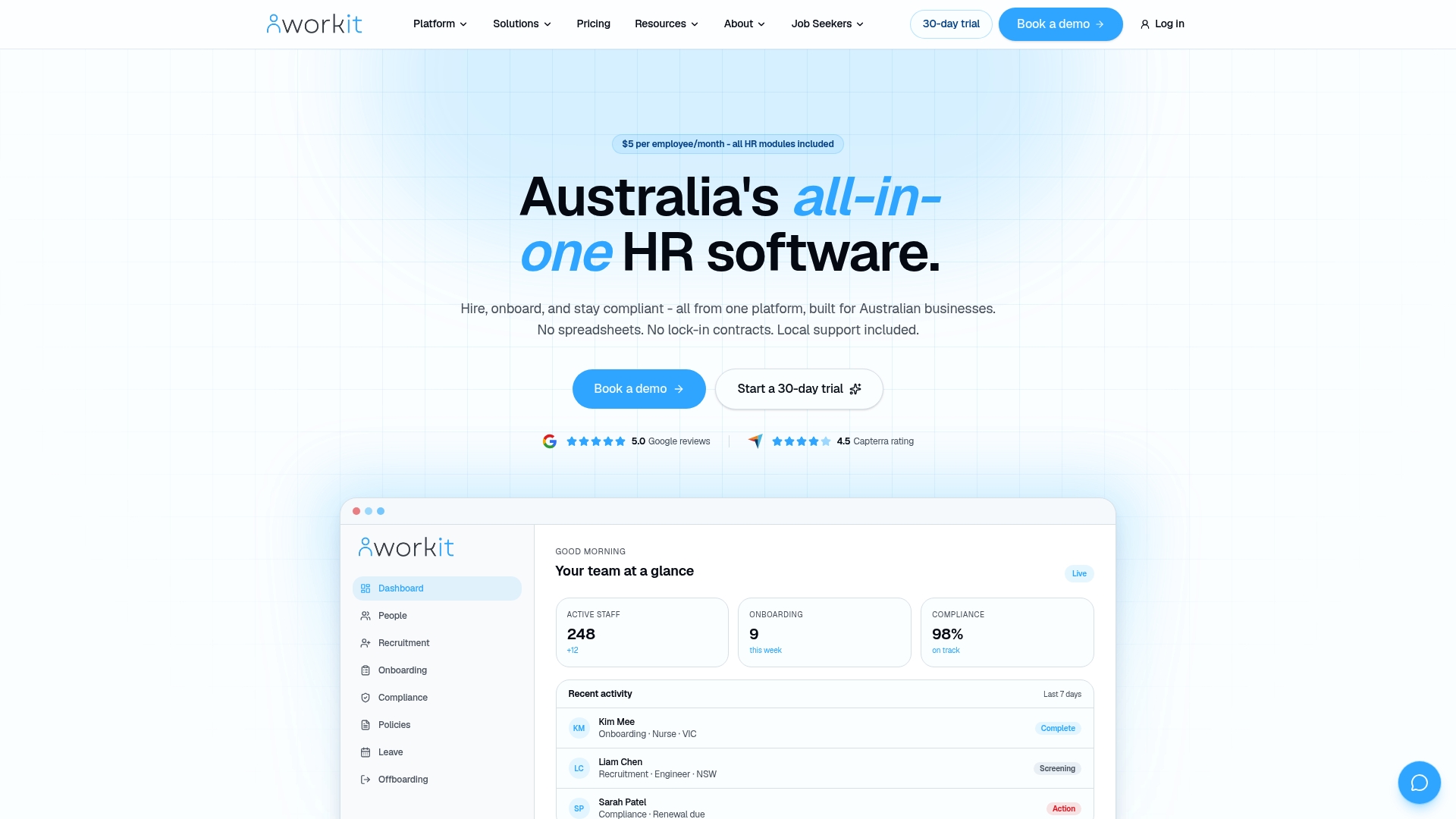
Every module, from onboarding to compliance to reporting, is included in one flat rate: $5 per employee per month, with local Australian support if something needs fixing fast. There’s no separate fee for the matrix features and no hidden add-ons.
If you’re ready to see how it handles your team’s actual roles and skill sets, bring a list of your critical skills, your current spreadsheet if you have one, and your compliance deadlines. Book a demo and walk through it with someone who understands Australian HR requirements.
Sources
- FREE training matrix template: your guide to building a training matrix
- Skills Matrix Best Practices: 12 Rules That Work (2026)
FAQ
What’s the difference between a training matrix and a skills matrix?
A training matrix tracks course and certification completion, while a skills matrix rates proficiency levels across specific competencies. Many businesses use a hybrid version that covers both.
How many skills should a training matrix track?
Best practice caps the list at 8 to 20 critical skills so the matrix stays readable and managers can act on gaps without getting lost in unnecessary detail.
How often should you update a training matrix?
Log new evidence weekly, re-score and calibrate quarterly, and review required levels annually against current role requirements.
Can software replace a spreadsheet-based training matrix?
Yes. Platforms like Workit automate expiry alerts, evidence storage, and gap reporting, tasks that become unmanageable manually once a business passes a few dozen employees.
What’s the biggest reason training matrices fail?
Usually it’s an undefined rating scale or no named owner. A matrix with inconsistent scoring and nobody responsible for updates stops being trusted within a few months.