

Make onboarding audit ready: 7 custom HR form examples for Australia
Seven forms cover almost every HR moment that matters: job application, employee information, onboarding checklist, leave request, performance review, exit interview, and the mandatory paperwork around TFN, super and the Fair Work Information Statement. Below you’ll find the exact fields for each, when to use them, and how to customise them without breaking compliance. Two rules sit underneath everything: deliver the FWIS on time, and keep core employment records for a baseline retention period recommended by Australian compliance guidance.
TL;DR:
- Most HR forms must be completed on or before the first day to ensure payroll, compliance, and employee records are accurate and up-to-date.
- Conditional logic should be used in forms to adapt questions based on employment type or location, reducing unnecessary data collection.
- All core employment documents, including contracts, payroll data, and FWIS acknowledgements, must be retained for at least seven years to meet legal requirements.
- Access to sensitive HR data must be role-based and restricted, with digital forms encrypted and logged to maintain privacy and security.
- Integrating forms directly with HRIS and payroll systems minimizes errors, automates data flows, and streamlines ongoing compliance and record-keeping.
Table of Contents
- Essential HR forms and examples: a quick reference
- Hiring forms: job application, interview scorecard and offer checklist
- Onboarding forms and checklist: employee info, TFN, super and policy sign-off
- Operational forms: leave, performance reviews and incident reports
- Exit paperwork: resignation, exit interview and asset return
- How to customise templates and stay audit-ready
- Security and privacy considerations for HR forms
- Integration of HR forms with HRIS and payroll systems
- Getting accurate, complete form submissions
- Publisher perspective: why one source of truth beats a folder of templates
- Workit: turn these templates into forms that build and track themselves
- Sources
- FAQ
Essential HR forms and examples: a quick reference
Before you build or edit a single template, it helps to see the full set laid out with its purpose and timing. This is the backbone of any custom HR forms library, and most Australian businesses need every item on it.
- Job application form — captures contact details, eligibility to work, and role screening. Use at the start of recruitment.
- Interview scorecard — standardises hiring decisions across interviewers. Use during the interview stage.
- Offer letter and employment contract — sets pay, hours and start date. Use once a candidate is selected; keep two signed copies.
- Fair Work Information Statement (FWIS) acknowledgement — mandatory for every new employee, and the Casual Employment Information Statement for casuals, delivered before or as soon as practicable after starting.
- TFN declaration and Super Choice form — needed for payroll setup, ideally completed on or before day one.
- Employee information form — personal, banking and emergency contact details, stored securely and updated as circumstances change.
- Onboarding checklist — tracks every task from paperwork to system access across the first month.
- Leave request form — governs annual, personal and unpaid leave; retain alongside payroll records.
- Performance review template — used at probation, annual, or ad hoc review points.
- Incident report form — required immediately after any workplace health and safety event.
- Resignation acknowledgement — confirms notice period and final pay calculation.
- Exit interview form — captures departure reasons and retention insights before the employee leaves.
Retention obligations attach to most of these. Contracts, payroll, leave and termination paperwork all fall under the seven-year retention guideline which Australian compliance guidance recommends as a baseline.
Hiring forms: job application, interview scorecard and offer checklist
Recruitment paperwork sets the tone for everything that follows, so get the fields right from the first form.
Job application form should ask for:
- Full name, contact details and preferred contact method
- Right-to-work confirmation (citizenship, visa status, working holiday conditions)
- Role-specific screening questions (licences, tickets, years of relevant experience)
- Resume and cover letter upload
- Two professional referees with contact details
Interview scorecard works best as a simple ratings sheet: competency categories (communication, technical skill, cultural fit) scored on a consistent scale, a must-pass criteria row for non-negotiables like licences, and one short comments field per interviewer rather than a page of prose.
Offer checklist should confirm the pack contains the letter of offer, employment contract, position description and FWIS, with instructions to print or send two copies of the contract, one for the employee to sign and return, one for their own records.
Pro Tip: Attach the position description to the offer, not just the contract. It clarifies duties from day one and becomes useful evidence if a performance conversation ever turns into a dispute.
Onboarding forms and checklist: employee info, TFN, super and policy sign-off
Onboarding paperwork does the heavy lifting for compliance, so sequence it carefully.
Employee information form fields: full legal name, date of birth, residential address, banking details for payroll, emergency contact, and any accessibility or medical information relevant to the role. Store this in your HRIS rather than a shared drive, since it holds sensitive personal data.
TFN declaration and Super Choice form: both should be completed on or before the employee’s first day, since payroll can’t be finalised without them. Capture the employee’s chosen super fund, member number, and TFN declaration answers in one step to avoid chasing paperwork later.
FWIS/CEIS acknowledgement: add a simple checkbox field confirming the employee received the statement, with a date stamp. That single field is your evidence the Fair Work Act requirement was met, and it belongs in the employee’s permanent file.
A practical onboarding checklist runs in three stages:
- Day zero: signed contract, FWIS/CEIS delivered and acknowledged, TFN and Super Choice forms submitted, IT access requested.
- First week: employee information form completed, policies acknowledged, induction session booked, uniform or equipment issued.
- First month: probation check-in scheduled, systems training completed, buddy or mentor assigned, initial goals documented.
Operational forms: leave, performance reviews and incident reports
Day-to-day HR runs on three workhorse templates, each of which earns its place in the file for different reasons.
- Leave request form: capture leave type, dates, total hours or days, and a field for medical certificate upload where the absence exceeds award-specific thresholds. Some awards require evidence for personal leave beyond a set number of consecutive days, so check the relevant award before finalising the rule.
- Performance review template: structure it around role responsibilities, a SMART-goal section (specific, measurable, achievable, relevant, time-bound), a self-assessment field, and a manager comments section. Keep rating scales consistent across the business so results are comparable.
- Incident report form: date, time, location, people involved, description of what happened, immediate action taken, and follow-up required. This satisfies most WHS record-keeping expectations and gives you a paper trail if the incident escalates.
Tag all three record types with the employee’s name and date in your storage system, since leave, performance and incident records often get pulled together during a dispute or audit.
Exit paperwork: resignation, exit interview and asset return
Offboarding is where legal and IT risk quietly builds up if paperwork gets skipped.
- Resignation acknowledgement: record the resignation date, required notice period, last working day, and final pay calculation fields (unused leave, any bonus proration).
- Exit interview form: ask why the employee is leaving, what they’d change, and whether they’d recommend the business to others. Honest answers here are some of the most useful retention data you’ll ever collect.
- Asset return checklist: laptop, phone, access cards, uniform, and a signed confirmation that all company property has been returned before final pay is released.
- Access revocation: a simple sign-off field confirming IT has disabled email, system logins and building access on the agreed date.
How to customise templates and stay audit-ready
Generic templates rarely fit every business, so build a repeatable customisation process rather than editing forms ad hoc.
Start with a proper data-needs audit: map which fields payroll, IT and management actually need, and cut anything nobody uses. This single step usually removes a third of the questions on a bloated onboarding form.
Use conditional logic from the outset. A form that asks employment type and location first can then branch, showing super fields only to permanent staff or different leave entitlements to casuals, instead of running separate templates for every worker category.
Add version metadata to every template footer: owner name, version number, effective date, and a one-line change summary. This sounds like admin, but it’s what stops a manager filling in last year’s leave form with outdated entitlement rules.
Pro Tip: Keep core employment records, including contracts, payroll and termination paperwork, for a minimum of seven years, and log every FWIS or CEIS delivery date next to the employee’s file so you can prove compliance instantly if Fair Work ever asks.
- Audit data needs before building or rebuilding a form
- Apply conditional logic based on employment type and location
- Add owner, version and date metadata to every footer
- Retain records for seven years and log statement deliveries
Security and privacy considerations for HR forms
HR forms hold some of the most sensitive data in the business: bank details, medical information, TFNs, emergency contacts. That makes access control non-negotiable, not optional.
Restrict form access on a need-to-know basis. Payroll staff need banking details; a hiring manager doesn’t. Role-based permissions in your storage system stop sensitive fields from being visible to people who have no reason to see them.

Paper forms are the weakest link here. A leave form with a medical certificate sitting in an open filing tray is a privacy breach waiting to happen, whereas a digital form with encrypted storage and an access log at least tells you who viewed what and when.
Build in data minimisation from the start: only ask for information you’ll actually use. Collecting extra personal details “just in case” increases your privacy risk without adding any real value, and it makes every future audit longer than it needs to be.
Finally, set a clear data retention and disposal policy. Records need to be kept for the mandated period, but they also need to be securely destroyed once that period lapses, rather than left sitting indefinitely in a system nobody manages.
Integration of HR forms with HRIS and payroll systems
A form that doesn’t talk to your payroll system creates double handling, and double handling creates errors. Every field on a new-starter form, from TFN to bank BSB, should map directly to a destination in your HRIS or payroll platform rather than getting manually retyped.
Build an integrations matrix before you finalise any template: list each field, then note which system consumes it, whether that’s payroll, IT provisioning, or a compliance tracker. This turns a vague “connect the systems” goal into a field-by-field checklist your provider or IT team can actually action.
Leave requests are a good example of what integration should look like in practice, especially with expert help from Sun State Digital to streamline your automation and AI workflows. Submitted through a connected system, a leave request updates payroll automatically and adjusts the employee’s leave balance in real time, instead of sitting in an inbox waiting for someone to manually enter it before the next pay run.
The same logic applies to onboarding data flowing into a compliance tracker, so FWIS delivery dates and TFN submissions are recorded automatically rather than chased up after the fact.

Getting accurate, complete form submissions
Incomplete forms cost more time than they save. A leave request missing a date, or an onboarding form with no emergency contact, means someone has to chase the employee days later.
A few practical fixes make a real difference:
- Mark mandatory fields clearly and block submission until they’re filled.
- Add short plain-language context above compliance fields (TFN, super) explaining why the information is needed. Guidance on digital onboarding shows this small addition measurably improves both accuracy and completion rates.
- Break long onboarding forms into short, logical sections with a progress indicator, since a form that looks like a five-minute task gets finished more often than a single long page.
- Use format validation on structured fields (dates, BSB numbers, phone numbers) so obvious errors get caught before submission, not after.
Publisher perspective: why one source of truth beats a folder of templates
Separate templates scattered across shared drives create the exact duplicate data entry problem this article has been solving for. Workit’s approach, an integrated forms and compliance layer with local Australian support, exists because HR teams lose hours re-entering the same employee details across five disconnected documents.
— Stephen
Workit: turn these templates into forms that build and track themselves
There’s a real gap between having a folder of custom HR forms examples and having forms that actually feed your payroll, your compliance tracker and your onboarding checklist without you touching them twice. Some HR software solutions offer digital forms with conditional logic, automatic FWIS delivery tracking, and onboarding checklists that update themselves as new starters complete each step, often included in a transparent pricing model.
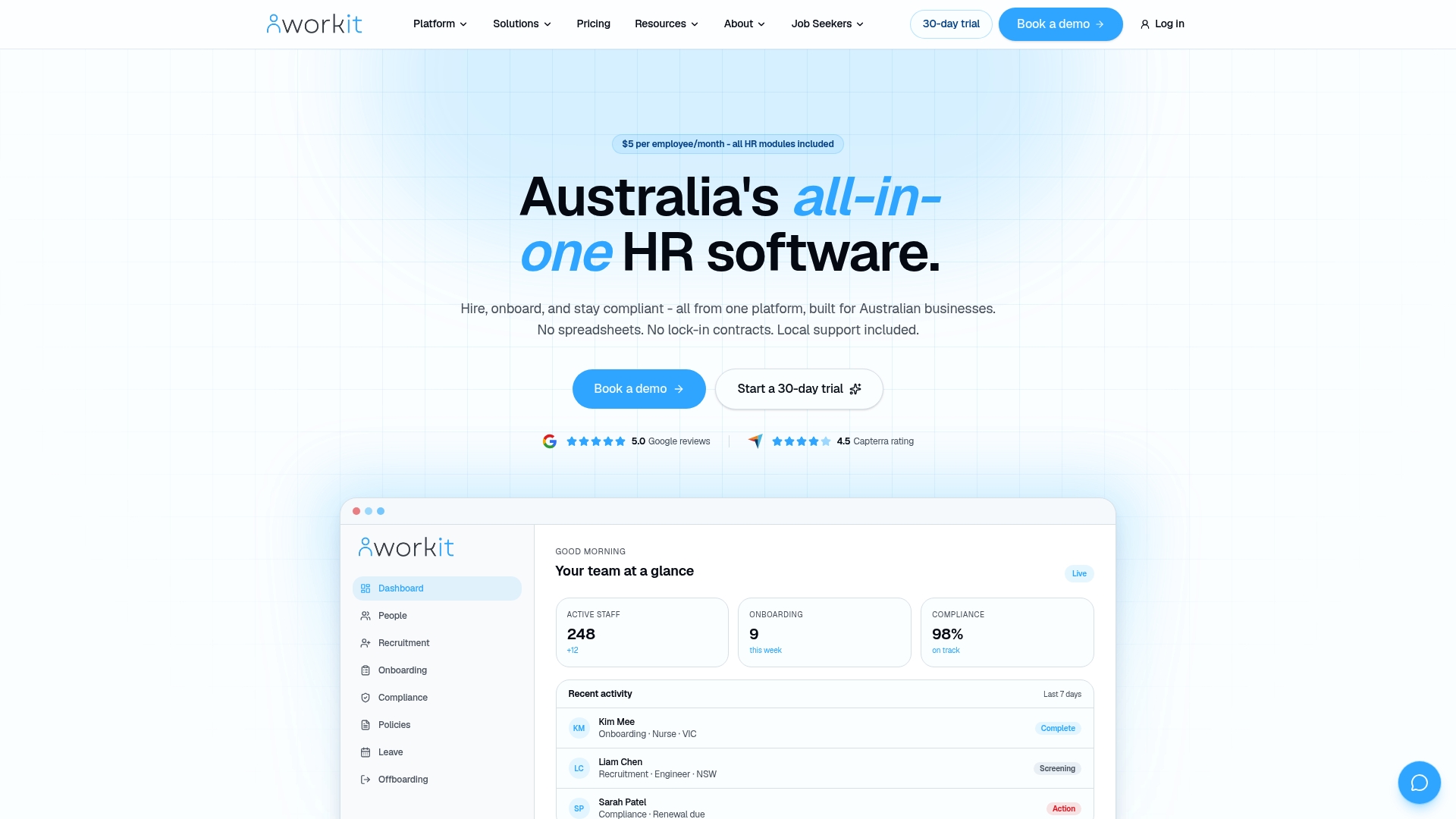
Every module runs on one employee record, so a TFN declaration filled in during onboarding flows straight into payroll integrations like Xero without anyone retyping a single field. Compliance tracking flags missing FWIS acknowledgements automatically, and local Australian support means a real person answers when you’ve got a question about a tricky award clause. If you’re ready to see how it handles the forms covered in this article, book a demo of Workit’s HR platform and bring your messiest onboarding template. We’ll show you what it looks like once it’s connected.
Sources
- Information statement requirements under the Fair Work Act
- HR compliance checklist — Australian businesses
- Business.gov.au — employment resources and checklists
This article is general information, not a substitute for advice from a qualified lawyer. Consult a qualified legal professional about your own circumstances before acting on anything here.
FAQ
What are some examples of HR documents?
Common HR documents include job applications, employment contracts, employee information forms, onboarding checklists, leave requests, performance reviews, incident reports and exit interviews.
What are some common HR forms every business needs?
Every Australian business needs an employment contract, a Fair Work Information Statement acknowledgement, TFN declaration, Super Choice form, and an onboarding checklist, alongside leave and performance review templates.
What is the best HR template to start with?
Start with the onboarding checklist and employee information form, since these two templates touch every new hire and carry the most compliance risk if fields are missing. A platform like Workit lets you build these once and reuse them across every new starter.
What are the 7 C’s of HR?
Definitions vary across sources, but the concept generally groups HR priorities such as compliance, communication, culture, capability, and compensation. There’s no single universally agreed list, so treat any such framework as a rough organising tool rather than a formal standard.
What mandatory documents must I give new employees?
Every new employee must receive the Fair Work Information Statement, and casual employees must also receive the Casual Employment Information Statement, before or as soon as practicable after starting.
How long should I keep HR records?
Retain core employment records, including contracts, payroll, leave and termination documents, for a minimum of seven years to meet Fair Work obligations and stay prepared for audits.