


Visa check guide for Australian HR managers 2026
TL;DR:
- A visa check verifies a non-citizen employee’s legal right to work in Australia using the VEVO system.
- Employers must obtain consent, record the results, and conduct periodic re-checks to remain compliant and avoid severe penalties.
What is a visa check and why does it matter for your team?
A visa check is the process of verifying a non-citizen employee’s legal right to work in Australia using VEVO, the Visa Entitlement Verification Online system operated by the Department of Home Affairs. It confirms visa subclass, expiry date, and any work conditions attached to that visa. This applies to every worker who is not an Australian citizen or permanent resident, including casual and labour-hire workers.
Getting this wrong carries real consequences. Penalties can include substantial fines per breach, plus potential director liability and a prohibition from employing new visa holders for five to ten years.
Your core compliance checklist:
- Obtain written consent from the worker before running any check
- Log into VEVO and confirm visa subclass, expiry, and work conditions
- Save a dated copy of the result to your HR records
- Record the visa expiry date and set a reminder at least 90 days out
- Repeat checks periodically throughout employment, not just at onboarding
- Extend the same process to contractors and casual staff
Table of Contents
- How to conduct a VEVO check step by step
- Workit makes visa compliance part of your everyday HR workflow
- Key takeaways
- FAQ
How to conduct a VEVO check step by step
The VEVO for organisations portal is free and takes only a few minutes per check once you are registered. Here is how to do it properly.
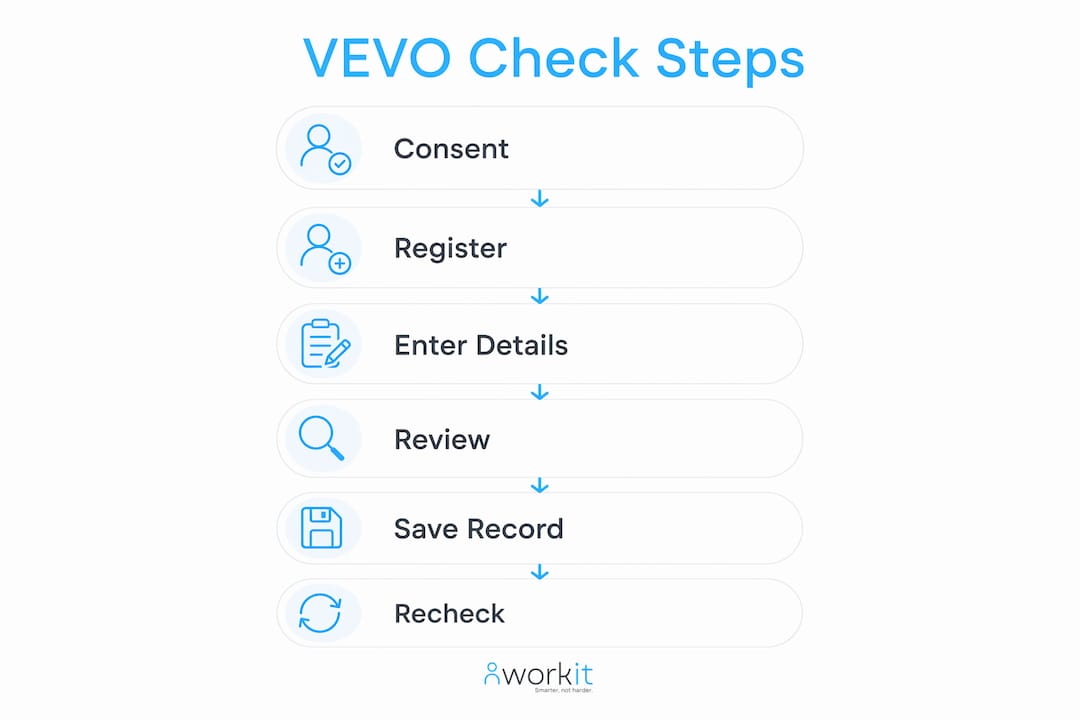
Step 1: Obtain written consent. Before you touch VEVO, get signed consent from the employee or candidate. This consent must be kept on file permanently. It is your first line of defence in any compliance investigation.

Step 2: Register and log in. Create an organisation account through the Department of Home Affairs website. Existing users log in directly.
Step 3: Enter the worker’s details. You will need their passport details or Visa Grant Number, Transaction Reference Number, or ImmiCard number, plus date of birth.
Step 4: Review the results carefully. VEVO displays the visa subclass, expiry date, work rights (unrestricted, restricted, or nil), and any attached conditions. Pay close attention to hour limits for student visa holders and occupation restrictions for sponsored workers such as those on a Subclass 482 visa.
Step 5: Save a dated record. Print or save the result with a clear date stamp. Undated records seriously weaken your position during a compliance audit.
On timing and frequency: Run a check before making an offer, again before the start date, and then periodically throughout employment. For bridging visa holders, check more frequently given how quickly their status can change.
Pro Tip: Set calendar alerts 90 days before each visa expiry date. This gives you time to have a renewal conversation with the employee well before any gap in work rights occurs.
Legal experts stress that HR staff need genuine training to interpret VEVO results accurately. A result showing “restricted work rights” means something very different for a student visa holder versus a working holiday maker. Misreading conditions is how inadvertent breaches happen. Treat your background screening process as the framework that holds all of this together.
Workit makes visa compliance part of your everyday HR workflow
Keeping on top of visa expiry dates, consent records, and re-check schedules across a growing workforce is where manual processes fall apart. Workit is built for exactly this: an all-in-one HR compliance platform that replaces spreadsheets with automated reminders, centralised documentation, and audit-ready reporting, all for $5 per employee per month with no hidden fees.
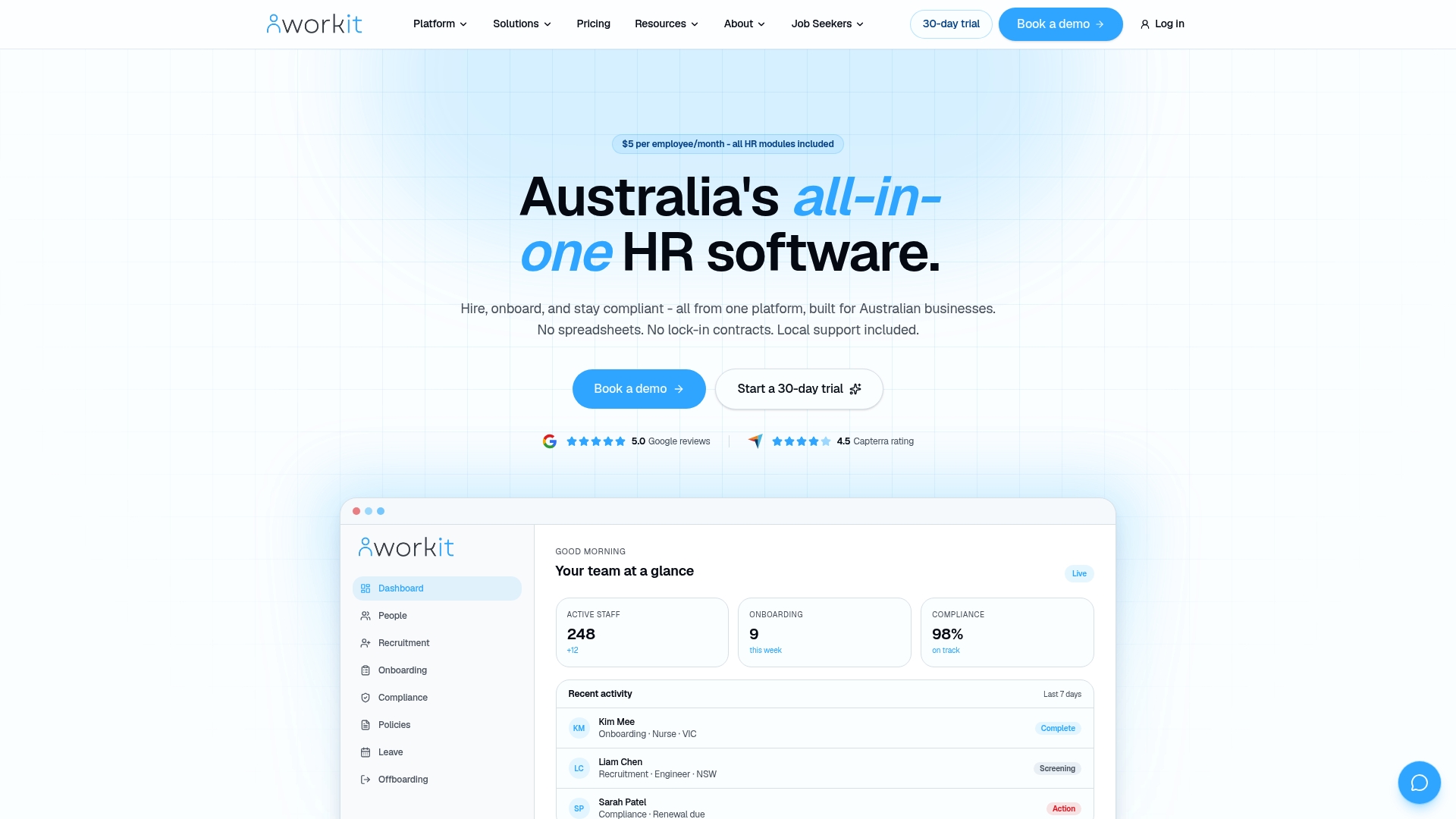
Visa checks slot into Workit’s onboarding and compliance workflows from day one, so consent forms, VEVO results, and expiry alerts live in one place rather than scattered across inboxes and folders. Your team gets local Australian support when you need it. Book a demo to see how it works for your business.
Key takeaways
Conducting a proper visa check through VEVO, with written consent, dated records, and scheduled re-checks, is the minimum standard Australian employers must meet to avoid penalties that can include civil fines up to $79,200 per breach.
| Point | Details |
|---|---|
| VEVO is the official tool | Use the Department of Home Affairs’ free VEVO system to verify every non-citizen worker’s visa status and conditions. |
| Written consent is mandatory | Obtain and retain signed consent before every check; it is your primary defence in any audit. |
| Penalties are severe | Breaches can attract civil fines up to $79,200, director liability, and hiring bans for five to ten years. |
| Ongoing checks are required | Re-verify periodically throughout employment, not just at onboarding, especially for temporary and bridging visa holders. |
| Workit centralises compliance | Workit automates expiry alerts, stores consent records, and keeps VEVO check results audit-ready in one platform. |
FAQ
What is a VEVO check?
A VEVO check is an online visa status inquiry conducted through the Department of Home Affairs’ Visa Entitlement Verification Online system. It confirms a worker’s visa subclass, expiry date, work rights, and any conditions attached to their visa.
Who needs a visa check before starting work?
Any worker who is not an Australian citizen or permanent resident requires a visa check, including part-time, casual, and labour-hire workers.
How often should HR run a visa status check?
Check before making an offer, again before the start date, and then periodically during employment. For bridging visa holders, check more frequently given how quickly their status can change.
What happens if an employee’s visa has expired or been cancelled?
Stop the employee from working immediately and seek migration law advice before taking further action. Continuing to employ someone without valid work rights exposes your business to penalties that can include civil fines up to $79,200 per breach.
Can Workit help manage ongoing visa compliance?
Yes. Workit’s HR compliance software automates expiry reminders, stores consent forms and VEVO results, and keeps your records audit-ready, removing the manual tracking burden from your HR team.